Modern Networking Made Easy
Add a QR code to your business card that instantly shares your contact info, portfolio, LinkedIn, or website. Make every connection count.
No credit card required - 10 QR codes free forever
Why Use Business Card QR Codes
Everything you need to create effective QR codes for your specific use case
Instant Contact Saving
One scan saves your complete contact info to their phone. No more typing numbers or searching for emails.
Always Up to Date
Changed jobs or phone numbers? Update your linked profile without reprinting cards. Your QR code stays the same.
Track Connections
See how many people scanned your card, when, and where. Measure the ROI of your networking efforts.
Brand Matching
Customize colors and add your company logo for a QR code that matches your professional brand.
Key Benefits
Real advantages that make a difference for your business
- Save contacts directly to phone address books with one scan
- Link to LinkedIn, portfolio, website, or any online profile
- Update linked content without reprinting business cards
- Track networking effectiveness with scan analytics
- Stand out with modern, tech-savvy business cards
Customize Your QR Codes
Make your QR codes stand out with custom colors, gradients, logos, and unique styles
Custom Colors
Choose any foreground and background colors to match your brand.
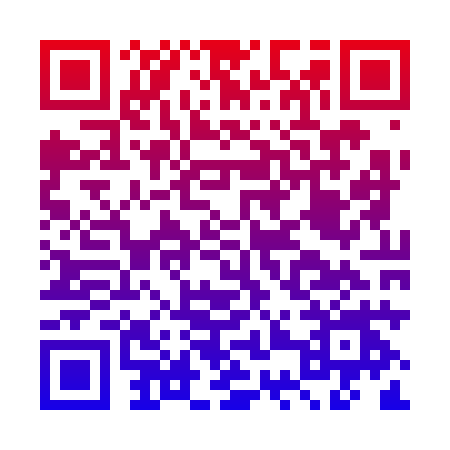
Gradient Effects
Linear or radial gradients for eye-catching designs.
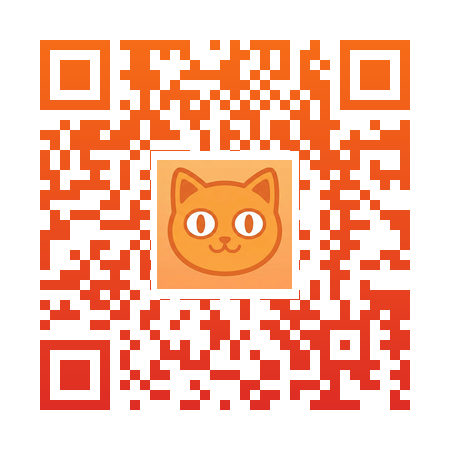
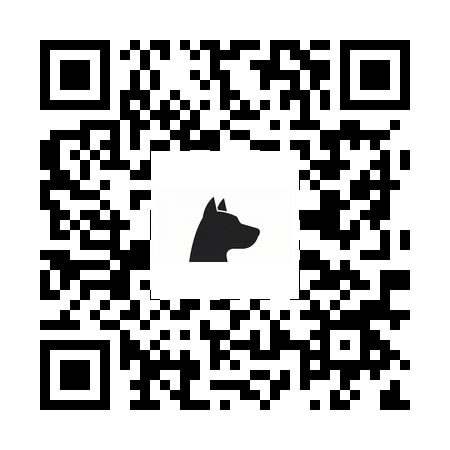
Brand Logos
Add your company logo in the center of your QR code.
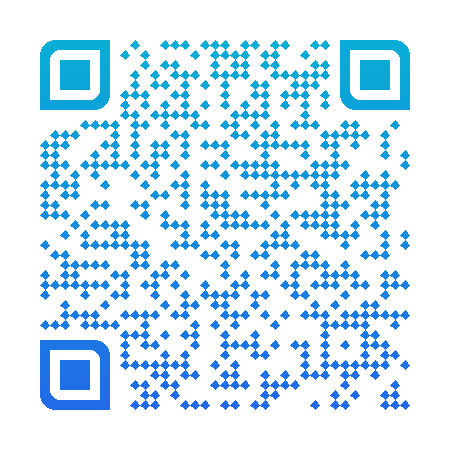
Unique Styles
Square, rounded, dots, or diamond module patterns.
How It Works
Create your business card qr code in three simple steps
Sign Up Free
Create your free GetQRPro account in seconds. No credit card required.
Create Your QR Code
Enter your URL and customize your QR code with colors and your logo.
Download & Track
Download your QR code and track scans in real-time from your dashboard.
Business Card QR Code FAQ
Got questions? We have answers.
Popular options include: your LinkedIn profile, a digital business card/vCard, your company website, a personal portfolio, or a Linktree-style page with multiple links. Choose based on your networking goals.
Yes! Link your QR code to a vCard file or a digital business card service that supports contact saving. When scanned, recipients can add your info to their contacts with one tap.
We recommend at least 0.8 x 0.8 inches (2 x 2 cm) for reliable scanning. Larger is better if your card design allows. Always test printed cards with different phones before ordering bulk prints.
Yes! Our dynamic QR codes let you change the destination URL anytime. Switch from LinkedIn to your new portfolio, update your vCard info, or redirect to a different page - all without reprinting.
Explore More QR Code Solutions
Discover other ways QR codes can help your business
WiFi QR Code
Create a QR code that connects guests to your WiFi network instantly. No more spelling out passwords or writing them on sticky notes. Just scan and connect in seconds.
Learn moreEvent QR Code
From invitations to check-ins, QR codes streamline every aspect of your event. Share details, track registrations, and manage attendance seamlessly.
Learn moreStart Creating Business Card QR Codes Today
Start creating professional QR codes in seconds
Create Your Business Card QR CodeNo credit card required - Start in seconds